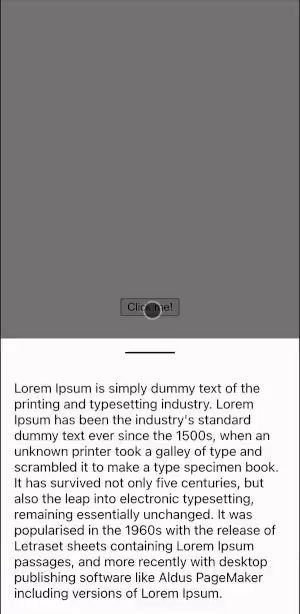
Bottom sheets were one of the harder interaction patterns I encountered on Tickertape’s mobile web experience. I rebuilt the interaction independently in SolidJS to understand its touch, viewport, and snapping behavior without using Tickertape code, designs, or assets. Solid Bottomsheet provides that familiar bottom-anchored surface with a simple dismissible mode and a mode with defined resting positions.
Usage
Install the package, import its stylesheet once, and render the component only while it is open. onClose should update the state that unmounts it.
import { createSignal } from "solid-js";
import "solid-bottomsheet/styles.css";
import { SolidBottomsheet } from "solid-bottomsheet";

export function App() {
  const [isOpen, setOpen] = createSignal(false);

  return (
    <>
      <button onClick={() => setOpen(true)}>Open</button>
      {isOpen() && (
        <SolidBottomsheet variant="default" onClose={() => setOpen(false)}>
          <p>Content inside the bottom sheet</p>
        </SolidBottomsheet>
      )}
    </>
  );
}
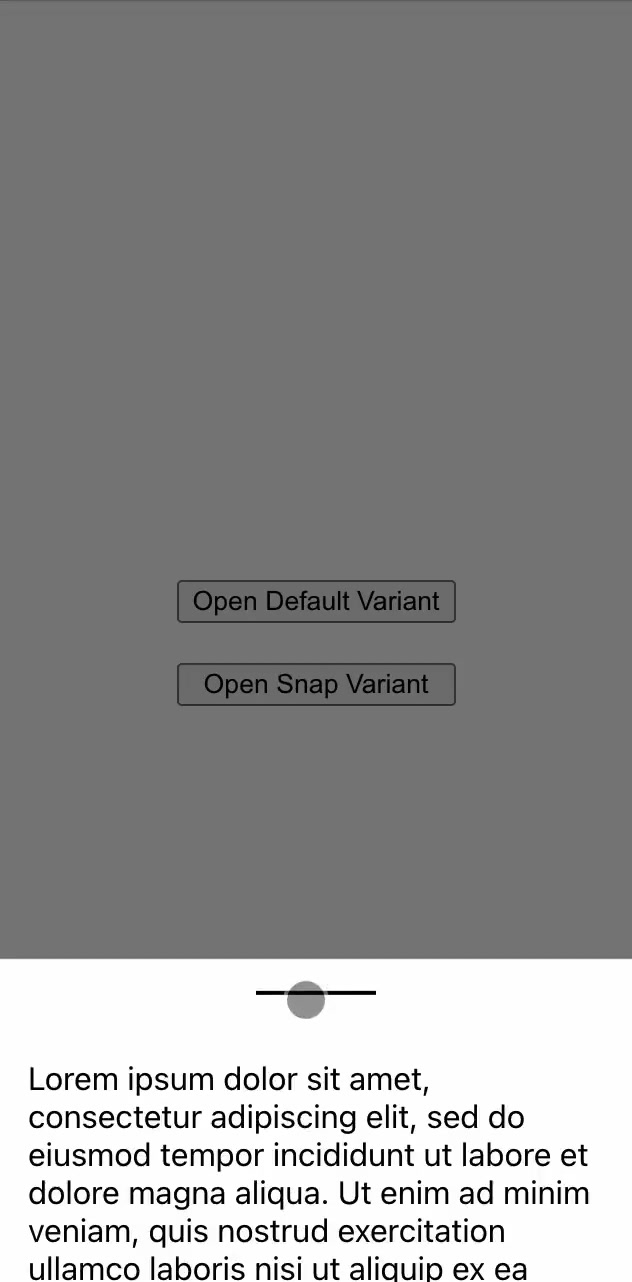
Use variant="snap" when the sheet needs several resting positions. In that mode, both defaultSnapPoint and snapPoints are required callbacks. They receive { maxHeight } and return pixel values, so positions can be expressed relative to the available viewport.
<SolidBottomsheet
  variant="snap"
  defaultSnapPoint={({ maxHeight }) => maxHeight / 2}
  snapPoints={({ maxHeight }) => [maxHeight, maxHeight / 4]}
  onClose={() => setOpen(false)}
>
  <p>Content inside the bottom sheet</p>
</SolidBottomsheet>
Interaction
The default mode closes after a downward handle drag of more than 50px; shorter drags return the sheet to its open position. The snap mode supports dragging the handle up or down and settles at a configured snap point. Tapping the backdrop also closes either mode. The sheet is modal while mounted and prevents body scrolling.
Touch And Browser Constraints
Dragging is implemented for touch input on the handle. There is no mouse or Pointer Events drag path, keyboard interaction, focus management, or configurable dismissal threshold. It reads the browser visual viewport for sizing, so use it in a browser-only SolidJS render path rather than server rendering the component.
Package And Demo
solid-bottomsheet is available on npm as version 1.1.0 and has solid-js >=1.0.0 as its peer dependency. The package includes the component, TypeScript declarations, and the styles.css export. Try the CodeSandbox touch demo.
The package has been unmaintained since August 2022. It is a focused interaction component, not a production-complete accessible dialog primitive.